
It’s 9 p.m. You’re finally home, and your phone buzzes. Another customer wants to book an appointment. You check your diary, reply, wait, reply again, and by the time it’s confirmed, you’ve spent ten minutes on one booking. Now multiply that by every client, every week.
Sound familiar? If you run a salon, clinic, tuition centre, repair shop, or consulting business, this daily back-and-forth quietly eats your time and your profits. The good news is that an online booking system for small business can take this entire job off your plate, and your customers will actually thank you for it.
In this guide, you’ll learn what these tools are, why they matter, which features to look for, and how to choose the right one, whether you run a business in the USA or India.
What Is an Online Booking System for Small Business?
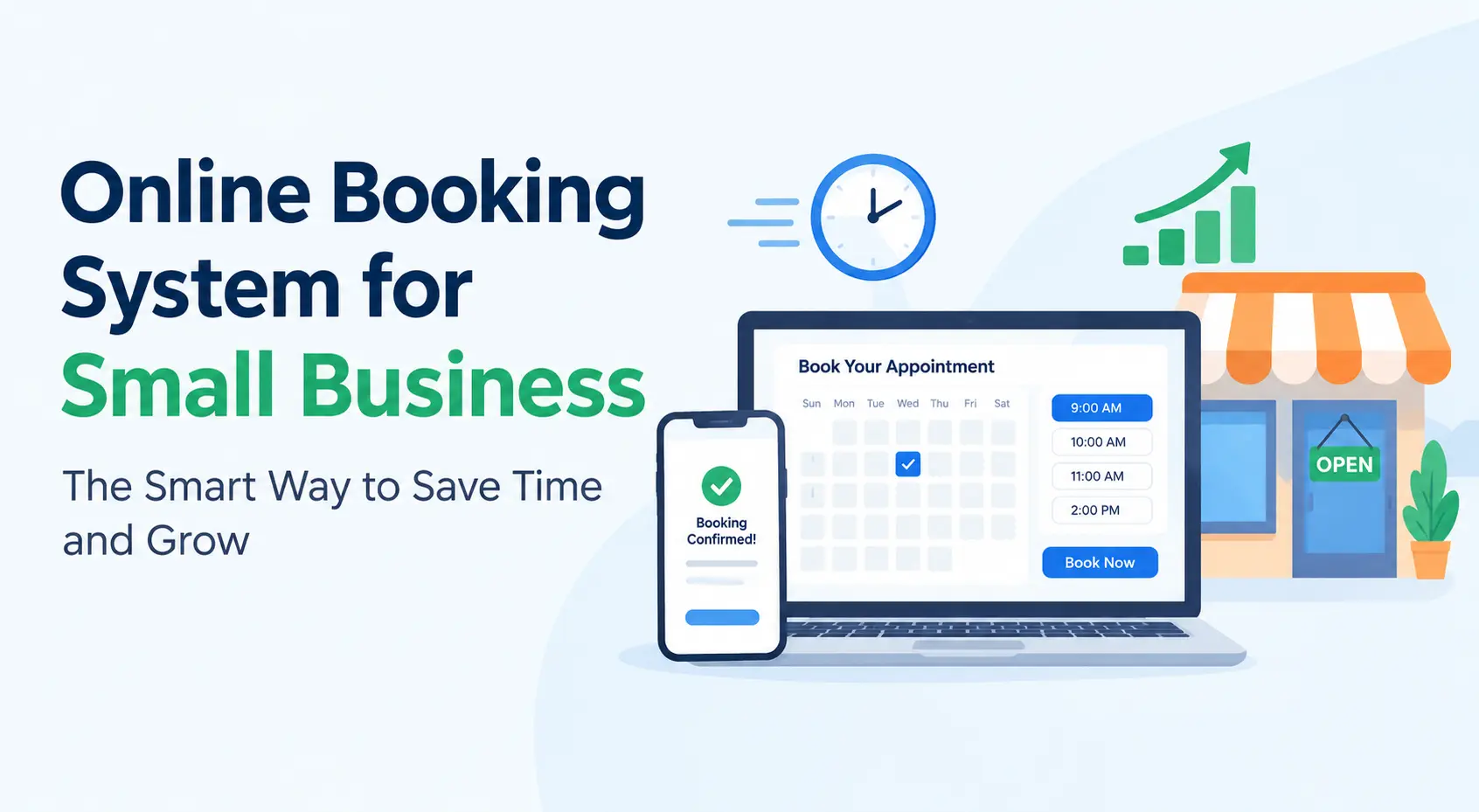
An online booking system provides software that allows customers to self-service the availability and make an appointment, class or services booking anytime, day or night. They select an opening, confirm it and the booking is in your calender as is.
It can also be referred to as appointment scheduling software, online reservation software or a booking app. The concept remains the same: reduction in phone calls, errors and streamlined experience for all.
Why Small Businesses Need Online Appointment Scheduling Today
Customers now expect to do everything on their phones, from ordering dinner to paying bills. If booking your service means calling during working hours, many people will simply choose a competitor who offers a quicker option.
Here is what a good booking system gives you:
- 24/7 availability: Customers can book at midnight or during their lunch break. You don’t have to be awake.
- Less admin work: No more juggling diaries, sticky notes, and WhatsApp chats.
- Fewer no-shows: Automatic reminders by SMS, email, or WhatsApp keep appointments fresh in people’s minds.
- Fewer double bookings: The calendar updates instantly, so two people never get the same slot.
- Professional image: A clean booking page builds trust, especially for new customers.
- Better cash flow: Many tools let you collect deposits or full payments upfront.
For a small team, getting back even five hours a week is a big win.
Key Features to Look For
Not every tool suits every business. Before you commit, check that the software covers the basics well.
Real-Time Calendar Sync
Your booking tool should sync with Google Calendar, Outlook, or Apple Calendar. This avoids clashes with personal commitments and keeps your whole team on the same page.
Automated Reminders and Confirmations
This is the feature that pays for itself. Text and email reminders sent a day or a few hours before the appointment can noticeably reduce missed bookings.
Online Payments and Deposits
If you’re in the US, look for support for Stripe, PayPal, or Square. For Indian businesses, UPI, Razorpay, and major cards are a must. Taking a small deposit also discourages last-minute cancellations.
Staff and Service Management
If you have more than one team member, you need to assign services, working hours, and breaks to each person. Customers should be able to choose their preferred stylist, doctor, or trainer.
Mobile-Friendly Booking Page
Most customers will book from their phones. A page that loads quickly and looks good on a small screen is non-negotiable.
Customer Database and Reports
A built-in client list helps you see who your regulars are, what they book, and when they last visited. Simple reports also show your busiest days and best-selling services.
Which Businesses Benefit Most?
Almost any appointment-based business can gain from online scheduling software. Common examples include:
- Salons, barbershops, and spas
- Clinics, dentists, and physiotherapists
- Yoga studios, gyms, and personal trainers
- Tutors and coaching centres
- Photographers and event professionals
- Auto repair shops and cleaning services
- Consultants, lawyers, and accountants
If your business sells time, a booking system probably belongs in your toolkit.
How to Choose the Right Online Booking System for Small Business
With so many options available, it’s easy to feel overwhelmed. Use this simple process to narrow things down.
1. List Your Must-Have Needs
Write down what you actually need: group classes, one-on-one sessions, recurring appointments, or payments. Don’t pay for advanced features you’ll never use.
2. Check Pricing Carefully
Some of the tools have a flat monthly fee, some charge by the number of staff members, and some charge for each booking. Be aware of any hidden fees like SMS reminder fees or payment processing fees. Some companies will have free plans or trial periods so try out before you buy.
3. Think About Local Needs
US businesses may care about integrations with accounting tools and calendar apps, while Indian businesses often need local payment methods, regional language support, and WhatsApp notifications. Pick a tool that fits your market.
4. Test the Customer Experience
Book an appointment yourself. Is it quick? Is it clear? If you struggle, your customers will too.
5. Look at Support and Security
Good customer support matters when something goes wrong during a busy week. Also confirm the provider protects customer data and follows relevant privacy rules.
Tips for Getting the Most From Your Booking System
Buying the software is only step one. These habits make it work harder for you:
- Place a “book now” button on your website, Google Business Profile, Instagram bio, and Facebook page.
- Keep your availability updated so customers never book a slot you can’t honour.
- Set buffer times between appointments to avoid running late.
- Use clear service names and prices so customers know exactly what they’re booking.
- Ask for reviews with an automatic follow-up message after each visit.
- Review your reports monthly to spot peak hours and slow days, then run offers to fill the gaps.
Common Mistakes to Avoid
Many owners rush into a tool without a plan. Avoid these slip-ups:
- Choosing the cheapest option without checking features
- Forgetting to turn on reminders
- Making the booking process too long, with too many form fields
- Not telling existing customers about the new system
- Ignoring mobile users
Final Thoughts
Time is the one resource small business owners can never get back. An online booking system for small business turns scattered phone calls and messy diaries into a smooth, automated process that works while you sleep. It helps you cut no-shows, look professional, and give customers the convenience they now expect.
Start small: list your needs, try a couple of free trials, and choose the tool that makes booking effortless. Your calendar will be fuller, your days calmer, and your customers happier.
Ready to take the first step? Pick a platform today and let your next booking happen without you lifting a finger.
Frequently Asked Questions
So what is the best online booker for small business?
Not one size fits all! It is up to your industry, team size, budget and payment needs. Try out a free trial, experience the customer journey and choose the tool that seems easiest for you and your clients.
How much does an online booking system cost?
Prices vary widely. Some tools offer free basic plans, while paid plans usually run on a monthly subscription based on the number of staff or features. Always check for extra fees like payment processing or SMS charges.
Can an online booking system reduce no-shows?
Yes. Automated reminders, easy rescheduling, and upfront deposits all encourage customers to show up or cancel in advance, so you can offer that slot to someone else.
Is online appointment scheduling safe for customer data?
Reputable providers use encryption and follow data protection standards. Before signing up, read the privacy policy and confirm how customer information is stored and used.
Can I use an online booking system on my website and social media?
Most platforms let you embed a booking widget on your website or share a direct booking link on Instagram, Facebook, WhatsApp, and Google Business Profile, so customers can book from wherever they find you.