
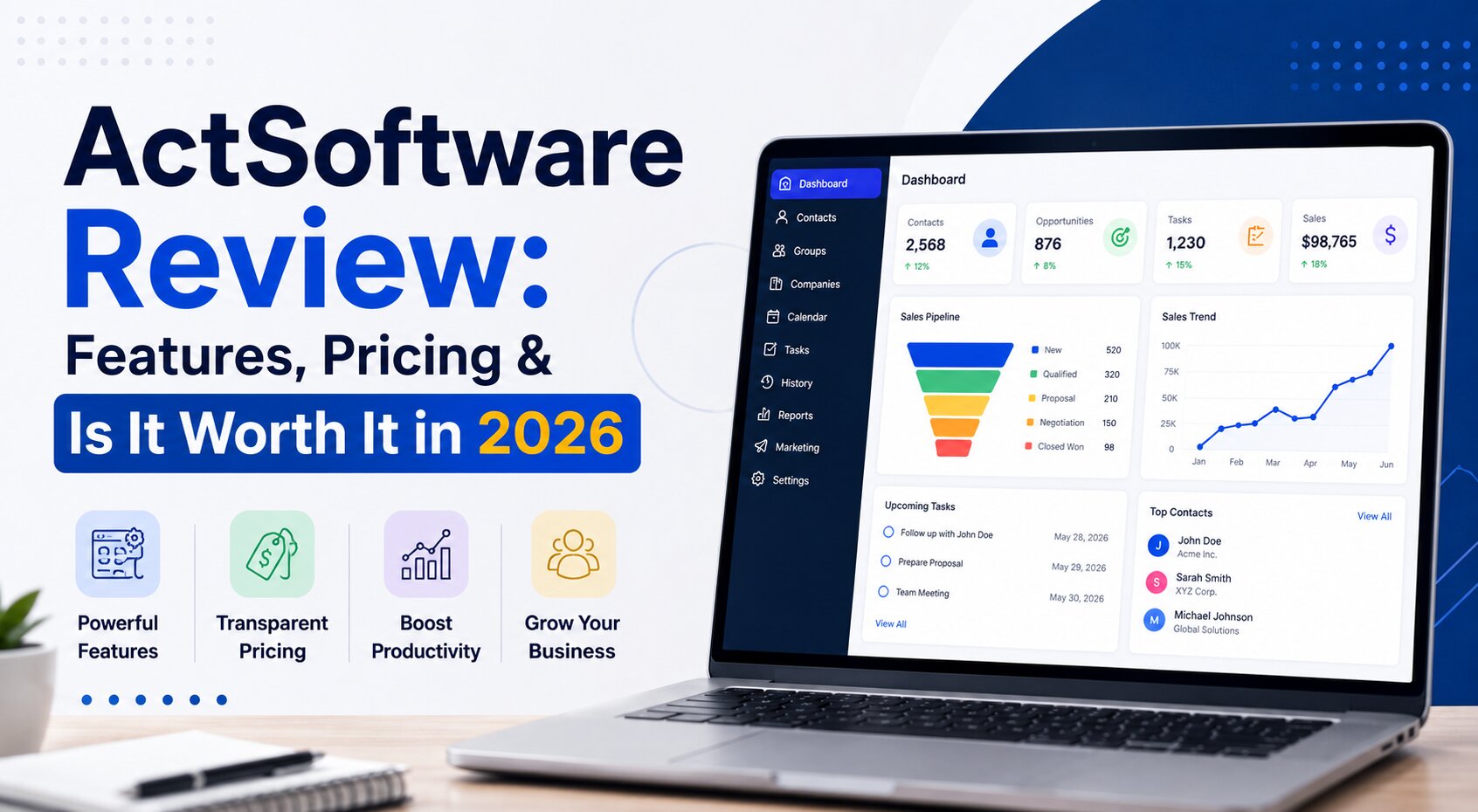
Most CRM software on the market today is younger than the businesses using it. Act! isn’t — it launched in 1987 as a DOS-based contact manager, which makes it one of the longest-running products in the category. That longevity cuts both ways: it means a genuinely mature, stable core product, but also an interface and feature set that shows its age next to CRMs built from scratch in the last decade.
Quick answer: Act CRM Software and marketing automation platform built for small and mid-sized businesses, priced from roughly $30–$50 per month depending on the plan and deployment option. It’s best suited for businesses that want reliable, detailed contact and sales-pipeline management without a steep learning curve — and less suited to teams that want a modern, highly automated, AI-forward CRM experience out of the box.
Act CRM Software Pricing 2026
Pricing varies by source and by which specific edition and deployment option you choose — cloud subscriptions, on-premise licensing, and premium tiers are priced differently. Published estimates for 2026 generally place Act! in the $30–$50 per month per user range, positioning it as a mid-market option: less expensive than many enterprise-grade CRMs, but not the cheapest tool in the small-business CRM category either.
Treat this range as a starting point rather than a firm number — confirm current pricing directly on Act CRM Software website before publishing, since CRM vendors frequently adjust tiers and included features.
What Is Act CRM Software?
Act! (sometimes written ACT! or referred to simply as “ActSoftware”) is a customer relationship management platform originally developed by Swiftpage, built around centralizing contact information, tracking customer interactions, and managing sales opportunities in one place. Beyond core CRM functionality, it includes marketing automation tools — email campaigns, templates, and response tracking — aimed at helping small businesses convert prospects into customers without needing a separate marketing platform.
It’s available in both cloud-based and on-premise deployment options, which is a meaningful differentiator: many newer CRM competitors are cloud-only, so Act! remains a relevant option specifically for businesses that want full control over where their data lives, whether for security, compliance, or IT policy reasons.
Key Features
| Feature | What It Does |
|---|---|
| Contact management | Centralizes detailed contact records, notes, documents, and interaction history |
| Sales pipeline management | Tracks deals and opportunities from initial contact through close, with a customizable pipeline view |
| Marketing automation | Email campaign creation, templates, and response tracking built into the same platform |
| Task automation | Automates repetitive tasks like follow-up alerts and scheduling |
| Mobile apps | iOS and Android apps for accessing contacts and key activities on the go |
| Integrations | Syncs with Microsoft Outlook, Google products, and social platforms like LinkedIn and Facebook |
| Custom tables | Lets businesses manage industry-specific data alongside standard CRM records |
| Flexible deployment | Available as both cloud-based and on-premise, unlike most modern CRM competitors |
Who Act! Is Actually Best For
- Small teams (roughly 2–10 users) who want dependable contact and pipeline management without needing an IT team to manage the deployment.
- Businesses in relationship-heavy, detail-driven industries — insurance, financial services, and manufacturing are commonly cited as strong fits.
- Organizations with data control or compliance requirements that specifically want the option of on-premise deployment.
- Long-time Act! users — a meaningful share of its user base has used the product for years or even decades.
Where Act! Falls Short
- The interface feels dated compared to CRMs built more recently.
- Marketing automation feels like an add-on, not a core strength.
- Less AI-forward than newer competitors — many competing CRMs lead with AI-assisted lead scoring, predictive analytics, and generative content tools.
Act! CRM Pros and Cons
Pros:
- Easy contact management
- Sales pipeline
- Cloud + on-premise option
- Small businesses is useful
Cons:
- Interface dated
- AI features limited
- Marketing automation weaker
Act! vs. Modern CRM Alternatives
| Factor | Act! | Typical Modern Cloud CRM (e.g., HubSpot, Zoho) |
|---|---|---|
| Deployment | Cloud or on-premise | Almost always cloud-only |
| Learning curve | Low to moderate | Varies — often steeper with more features |
| AI features | Limited | Increasingly central to competitors’ offerings |
| Best for | Small teams wanting reliable core CRM | Teams wanting integrated marketing + sales automation |
| Track record | Since 1987 — long-established | Generally newer, faster iteration cycles |
If your priority is dependable contact management with the option of full data control, Act! remains a reasonable choice. If your priority is cutting-edge automation and AI-assisted workflows, it’s worth comparing against newer cloud-native competitors before committing.
A Brief History of Act!
Understanding where Act came from helps explain both its strengths and its dated feel. It launched in 1987 as a contact manager for DOS, predating the modern CRM category almost entirely. Ownership and branding have shifted over the decades (it has operated under the Swiftpage name for much of its recent history), but the core product philosophy has stayed remarkably consistent: detailed, reliable contact and relationship tracking as the foundation, with newer features like marketing automation added on top over time. That’s part of why the product now serves a reported user base in the hundreds of thousands, many of whom have used it for years.
Choosing Between Act! and Its Alternatives
The decision mostly comes down to one question: are you optimizing for stability and control, or for cutting-edge automation? Teams that value a predictable, well-understood tool with decades of documentation, support history, and the option to keep data entirely on their own servers tend to be satisfied Act! users for years. Teams that want their CRM to actively do more of the selling and marketing work through AI will likely find Act!’s feature set comparatively limited.
It’s also worth considering switching costs. Businesses already several years into an Act! deployment often find the cost of migrating to a newer platform outweighs the benefit of marginally better automation.
Is Act! CRM Worth It in 2026?
For the right use case — a small or mid-sized business that wants solid, detailed contact management without a steep learning curve, and values the option of on-premise deployment — Act! remains a credible, well-tested choice with a genuinely long track record. For businesses specifically prioritizing AI-driven automation, predictive analytics, or the most modern possible interface, it’s worth evaluating against newer competitors before deciding.
Conclusion
Act! CRM‘s nearly four-decade track record is both its biggest selling point and its clearest limitation — it’s a mature, reliable CRM for businesses that want dependable contact and pipeline management without chasing every new feature trend, but it isn’t the strongest choice for teams specifically prioritizing AI-forward automation. Evaluate it against your team’s actual priorities — data control and simplicity versus cutting-edge automation — rather than picking based on brand recognition alone.
FAQs
Q.1 What is ActSoftware used for?
It’s used as customer relationship management (CRM) software — centralizing contact information, tracking customer interactions, managing sales pipelines, and running basic email marketing campaigns, primarily for small and mid-sized businesses.
Q.2 How much does Act CRM Software cost?
Published 2026 estimates generally place pricing in the $30–$50 per month per user range, depending on the specific plan and deployment option (cloud vs. on-premise) — confirm current pricing directly with the vendor before making a decision.
Q.3 Is Act! CRM cloud-based or on-premise?
Both — Act! is one of the few CRMs still offering a genuine on-premise deployment option alongside its cloud-based version, which distinguishes it from most modern, cloud-only competitors.
Q.4 Is Act! good for small businesses?
Yes, it’s specifically positioned and commonly recommended for small to mid-sized businesses, particularly those in relationship-heavy industries like insurance, financial services, and manufacturing.
Q.5 How does Act! compare to newer CRMs like HubSpot or Zoho?
Act! generally offers a lower learning curve and the option of on-premise deployment, but has fewer AI-driven features than many newer cloud-native competitors, which increasingly lead with predictive analytics and automation.