
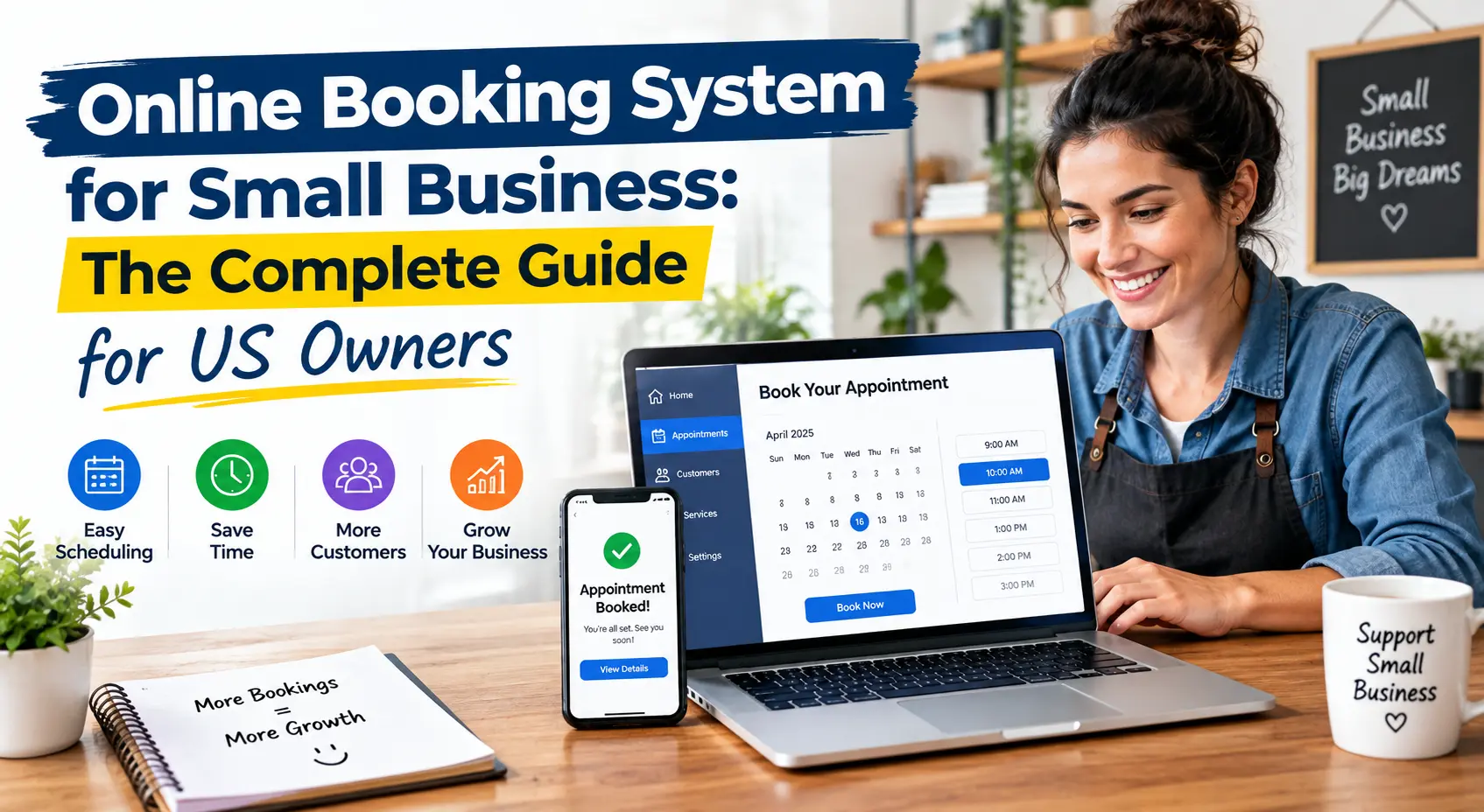
Picture this: it’s 9 p.m., you’re finally home, and your phone buzzes with three new appointment requests, one cancellation, and a customer asking if you have anything open on Friday. You’re answering messages instead of relaxing.
Sound familiar? You’re not alone. Thousands of small business owners across the US lose hours every week to phone tag, texts, and scribbled calendars. The fix is simpler than most people think: an online booking system for small business that handles scheduling for you, around the clock.
This guide explains how these tools work, what to look for, and how to pick the right one without overspending.
What Is an Online Booking System?
An online booking system is a piece of software that enables your clients to schedule appointments on your website, social media, or via a simple link. No calls. No back-and-forth emails.
Once someone books, the system adds the appointment to your calendar, sends a confirmation, and reminds the customer before the visit. You can think of it as a receptionist who never sleeps and never double-books.
An online booking system for small business works well for:
- Salons, barbershops, and spas
- Fitness trainers and yoga studios
- Consultants, coaches, and tutors
- Medical, dental, and wellness practices
- Auto repair shops and cleaning services
- Photographers and event professionals
Why Small Businesses Need Online Appointment Scheduling
Customers today expect convenience. Many would rather book at 11 p.m. from their couch than call during business hours. If you can’t offer that, a competitor probably can.
Save Hours Every Week
Manual scheduling eats time. Even ten minutes per booking adds up quickly when you serve dozens of clients a month. Automated scheduling software frees that time for actual work, or for a life outside work.
Reduce No-Shows
Missed appointments cost real money. Automated email and text reminders give customers a nudge, and many tools let you require a deposit or card on file. Both approaches help protect your income.
Look More Professional
A clean booking page shows customers you’re organized and serious. It builds trust before they ever meet you.
Capture Bookings After Hours
Some of your best leads arrive when your doors are closed. A 24/7 booking page captures them instead of losing them to whoever replies first.
Key Features to Look For
Not every tool fits every business. Here are the features that matter most when you compare options.
Calendar Sync
Two-way sync with Google Calendar, Outlook, or iCal prevents double bookings. This one is non-negotiable.
Automated Reminders and Confirmations
Look for both email and SMS options, with customizable messages so reminders sound like you.
Online Payments and Deposits
Accepting payments at booking, through Stripe, Square, or PayPal, improves cash flow and discourages last-minute cancellations.
Staff and Service Management
If you have a team, you’ll want individual calendars, different service lengths, and buffer time between appointments.
Mobile-Friendly Design
Most customers will book from their phones. Test the booking page on your own phone before committing.
Reporting and Customer Records
Basic analytics show your busiest days, top services, and repeat customers. That information helps with pricing and staffing decisions.
Integrations
The best appointment booking software for small business plays well with your existing tools, such as accounting software, email marketing platforms, and video meeting apps.
How Much Does a Booking System Cost?
The price of a home security system depends on the company and the services they offer. Providers may offer free plans for individual users, or paid plans that cost about 10 –100 per month on average. The end cost is based on the number of employees, SMS credits, and superior features. Watch the provider’s official pricing page for the most up-to-date pricing, as it can be subject to change.
Watch for hidden costs, such as:
- Per-booking fees
- Extra charges for text reminders
- Fees to remove the provider’s branding
- Payment processing charges
A cheap plan that nickel-and-dimes you may cost more than a mid-priced plan with everything included.
How to Choose the Right Online Booking System for Small Business
Follow these simple steps:
- List your needs. Do you need group classes, one-on-one sessions, or both? Do customers pay upfront?
- Set a realistic budget. Start with your must-haves, then add extras only if they earn their keep.
- Try free trials. Most platforms offer one. Book a fake appointment yourself and see how it feels.
- Check customer support. When something breaks on a busy Saturday, you’ll want a real person to help.
- Read honest reviews. Look for feedback from businesses similar to yours.
- Think about growth. Pick a tool that can handle more staff and services as you expand.
Setup Tips for Better Results
Buying the software is only half the job. These habits help you get the most out of it:
- Add the booking link everywhere. Put it on your website, Google Business Profile, Instagram bio, and email signature.
- Keep your availability accurate. Block off holidays and personal time right away.
- Write clear service descriptions. Include duration, price, and what to expect.
- Set a cancellation policy. Be polite but firm, and state it during booking.
- Customize reminders. A friendly, personal note beats a robotic one.
- Review your data monthly. Spot slow periods and run promotions to fill them.
Common Mistakes to Avoid
Many owners rush the decision and regret it later. Avoid these pitfalls:
- Choosing based on price alone
- Ignoring mobile users
- Skipping reminder settings
- Forgetting to test the booking flow from a customer’s view
- Not telling existing clients about the new system
A short announcement via email or social media helps loyal customers switch smoothly.
Final Thoughts
Running a small business means wearing every hat, and scheduling shouldn’t be the one that wears you out. A reliable online booking system for small business saves time, reduces no-shows, improves customer experience, and helps you look polished from the first click.
Start small, test a few options, and choose the one that fits your workflow. For more practical advice on growing and managing your company, explore the resources at Top Business Magazine.
Your calendar should work for you, not the other way around.
Frequently Asked Questions
Small business booking systems online are available, but what is the best?
It’s not a one size fits all. This will depend on your industry, team size and budget. Check calendar sync, payment methods, reminders and fees, and then try a couple of different ones via trial.
What is the total of the number of people in your household?
Yes. Solo owners can make the most benefit as automation assists in getting rid of the time they’d otherwise invest in calls and messages. There are many organizations that provide individual plans at no cost or at a low cost.
Can customers pay when they book online?
Most platforms support online payments or deposits through processors like Stripe, Square, or PayPal. This helps reduce no-shows and improves cash flow.
Will an online booking system work on mobile phones?
Yes, reputable systems are designed for phones and tablets. Always test the customer-facing page on your own device before sharing it.
How long does it take to set up a booking system?
Basic setup usually takes a few hours: adding services, setting your hours, and connecting your calendar. More complex businesses with several staff members may need a day or two to fine-tune.