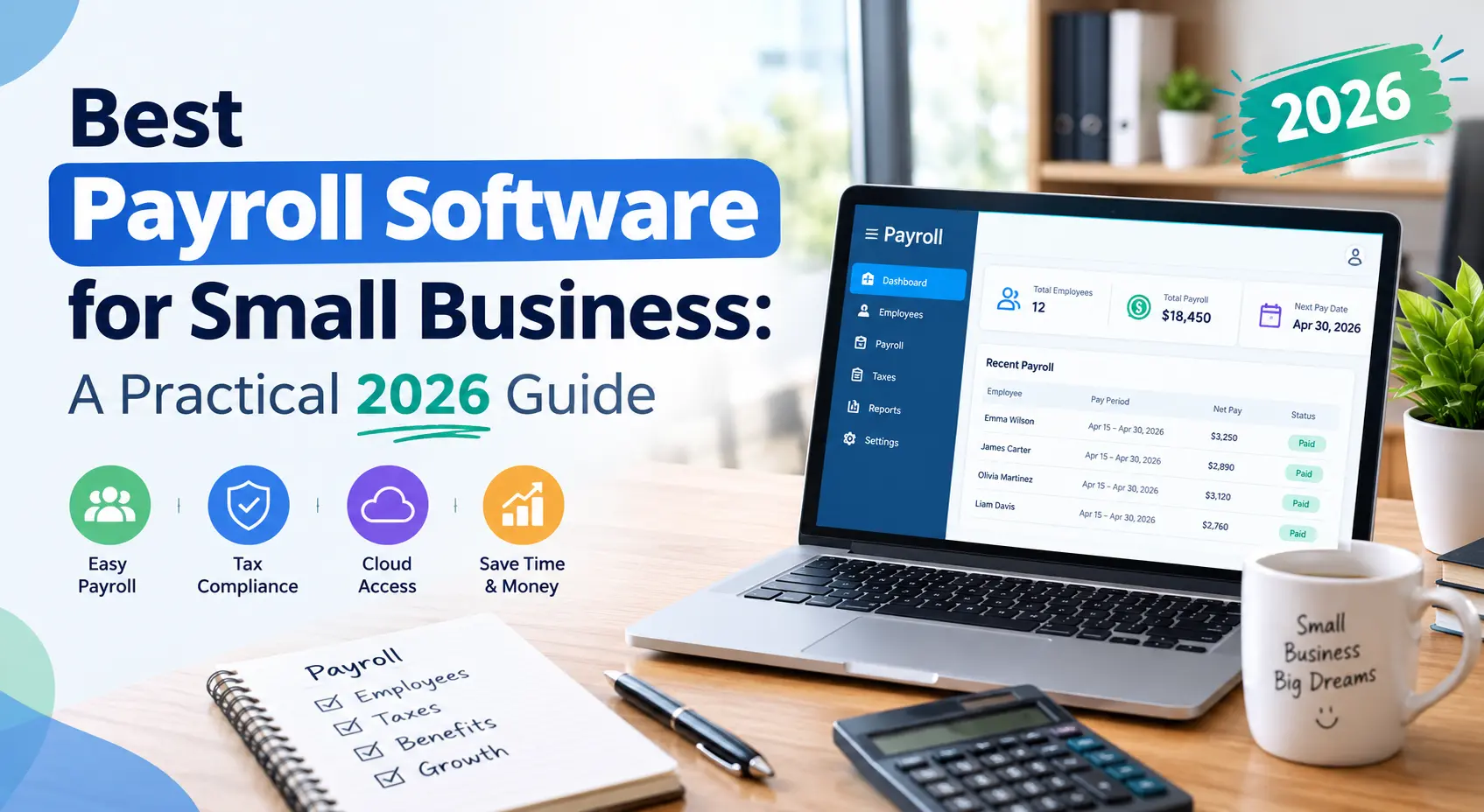
Payday should be simple. For many small business owners, it isn’t. One wrong tax figure, one missed deadline, or one misclassified worker can lead to IRS penalties and unhappy employees. The good news is that you don’t have to carry that stress alone. Choosing the best payroll software for small business can turn a tedious monthly headache into a few clicks.
This guide walks you through what to look for, which platforms are worth considering, and how to pick the right fit for your team.
Why Small Businesses Need Payroll Software
Running payroll by hand or with a spreadsheet might work for one or two employees. Once you grow past that, the risks pile up quickly.
Good payroll software for small businesses takes care of the heavy lifting:
- Accurate calculations: Gross pay, overtime, deductions, and net pay are figured automatically.
- Tax compliance: Federal, state, and local payroll taxes are calculated, filed, and paid for you.
- Time savings: Many owners say they save several hours per pay cycle once they automate.
- Fewer errors: Built-in checks catch mistakes before they become costly problems.
- Employee trust: Staff get paid correctly and on time, with easy access to pay stubs and tax forms.
Key Features of the Best Payroll Software for Small Business
Not every tool suits every company. Before you compare names, know which features matter most.
Automated Payroll Tax Filing
This is the big one. The software should calculate withholdings, file Forms 941 and 940, and handle year-end W-2s and 1099s. Look for a provider that offers a filing accuracy guarantee, so you aren’t left paying penalties for their mistakes.
Direct Deposit and Flexible Pay Options
Employees expect direct deposit. Top platforms also offer paper checks, pay cards, and sometimes faster pay options.
Employee Self-Service Portal
A good portal lets workers view pay stubs, update their address or bank details, and download tax forms without bugging you.
Contractor and Multi-State Support
If you work with freelancers or have remote staff in other states, make sure the software can pay contractors and manage multi-state tax rules.
Integrations
The best payroll software for small business connects with tools you already use, such as accounting software, time tracking apps, and benefits providers. Smooth integrations cut down on double entry.
Reporting and Compliance Tools
Payroll reports, new-hire reporting, and alerts for law changes keep you organized and audit-ready.
Popular Payroll Software Options to Consider
Every business is different, so treat this as a starting point rather than a ranking. Features and pricing change often, so confirm current details on each provider’s website before you commit.
- Gusto: Well known among small businesses for a clean interface, automatic tax filing, and built-in HR and benefits tools. It suits growing teams that want a friendly all-in-one platform.
- QuickBooks Payroll: A natural choice if you already use QuickBooks for bookkeeping, since the two sync smoothly.
- ADP: A long-established name with scalable options. It often appeals to businesses expecting fast growth or more complex needs.
- Paychex: Offers payroll along with HR support and compliance services, which can help if you want a more hands-on partner.
- OnPay: Known for straightforward, single-plan pricing and solid support for varied industries.
- Patriot Payroll: A budget-friendly pick for very small teams with basic needs.
- Rippling: A good fit for companies that want payroll, HR, and IT management in a single system.
How to Choose the Right Payroll Solution
Picking the right tool is less about brand names and more about fit. Work through these steps.
1. Count Your Team and Your Needs
A solo founder with one part-time helper needs something very different from a 40-person company with hourly staff in three states. Write down your headcount, pay frequency, and worker types first.
2. Understand the Real Cost
Most providers charge a monthly base fee plus a per-employee fee. Watch for add-ons like year-end filing, state tax registration, or contractor payments. A low sticker price can hide extra costs, so ask for the full picture.
3. Test the Ease of Use
Take advantage of free trials and demos. If the dashboard confuses you in the first ten minutes, it will frustrate you every pay cycle.
4. Check Customer Support
When a tax notice arrives or a paycheck goes wrong, you want a real person to help. Look for phone, chat, or email support, and read recent customer reviews about response times.
5. Plan for Growth
Choose software that can grow with you. Switching payroll providers later is possible but disruptive, so pick a platform with room to add employees, benefits, and locations.
Common Payroll Mistakes to Avoid
Even with great software, a few habits can still cause trouble:
- Misclassifying employees as independent contractors
- Forgetting to update tax details when an employee moves states
- Missing deadlines for quarterly and year-end filings
- Failing to keep proper payroll records
- Skipping a review of payroll reports before approving each run
The right tool reduces these risks, but you still need to review your numbers regularly.
Tips for a Smooth Switch
If you’re moving from spreadsheets or another provider, a little preparation goes a long way.
- Start at the beginning of a quarter, if possible, to keep tax records clean.
- Gather employee details, tax forms, and year-to-date payroll data.
- Run a test payroll alongside your old method for one cycle.
- Tell your team about the change so nobody is surprised by a new pay stub format.
Final Thoughts
There is no single winner for every company. The best payroll software for small business is the one that matches your team size, budget, and growth plans while keeping you compliant with tax rules. Focus on automated tax filing, ease of use, honest pricing, and dependable support, then take a few free trials for a spin before deciding.
Done right, payroll stops being a monthly chore and becomes a quiet, reliable part of your business. For more practical advice on running and growing your company, explore the latest resources at Top Business Magazine.
Frequently Asked Questions
What is the best payroll software for small business?
It depends on your needs. Gusto, QuickBooks Payroll, OnPay, and Paychex are popular choices. Compare features, pricing, and support, and try a demo before choosing.
How much does payroll software for a small business cost?
Most providers charge a monthly base fee plus a small per-employee fee. Total cost varies by plan and add-ons, so check each provider’s current pricing page.
Can payroll software handle tax filing automatically?
Yes. Most leading platforms calculate, file, and pay federal and state payroll taxes for you. Confirm that your chosen provider covers every state where you have employees.
Is it better to use payroll software or hire an accountant?
Many owners do both. Software handles routine calculations and filings efficiently, while an accountant offers strategic advice and help with complex situations.
Can I pay independent contractors with payroll software?
Most platforms can pay contractors and generate 1099 forms. Check that the plan you choose includes contractor payments, since some providers charge extra.